The three that matter
| Tool | What it has to do | Why |
|---|---|---|
| Captions | Burn the text into the video itself | Captions typed into a platform's own tool disappear when the clip is shared or downloaded. Burned-in captions travel with the clip. |
| Trim | Cut on the exact frame, with a zoomable timeline | The hook is the first second. A cut that lands half a second late loses the viewer. |
| Export | 1080 by 1920, 9:16, H.264, the frame rate of the source | The platforms re-encode everything; a clean source is what survives the re-encode. |
The phone workflow
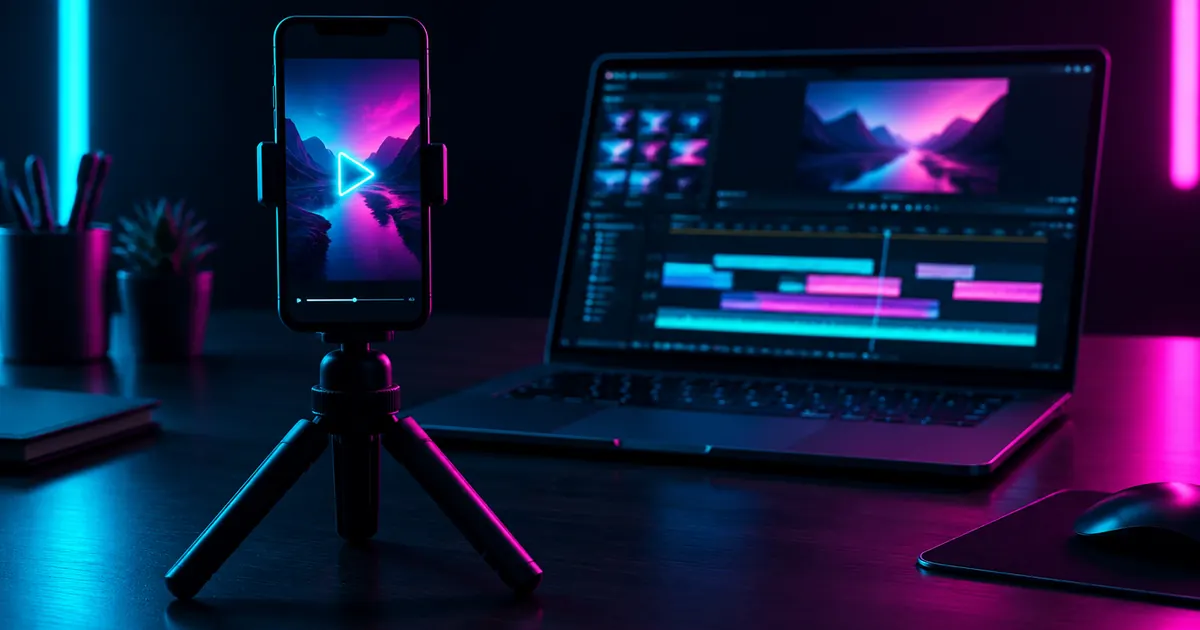
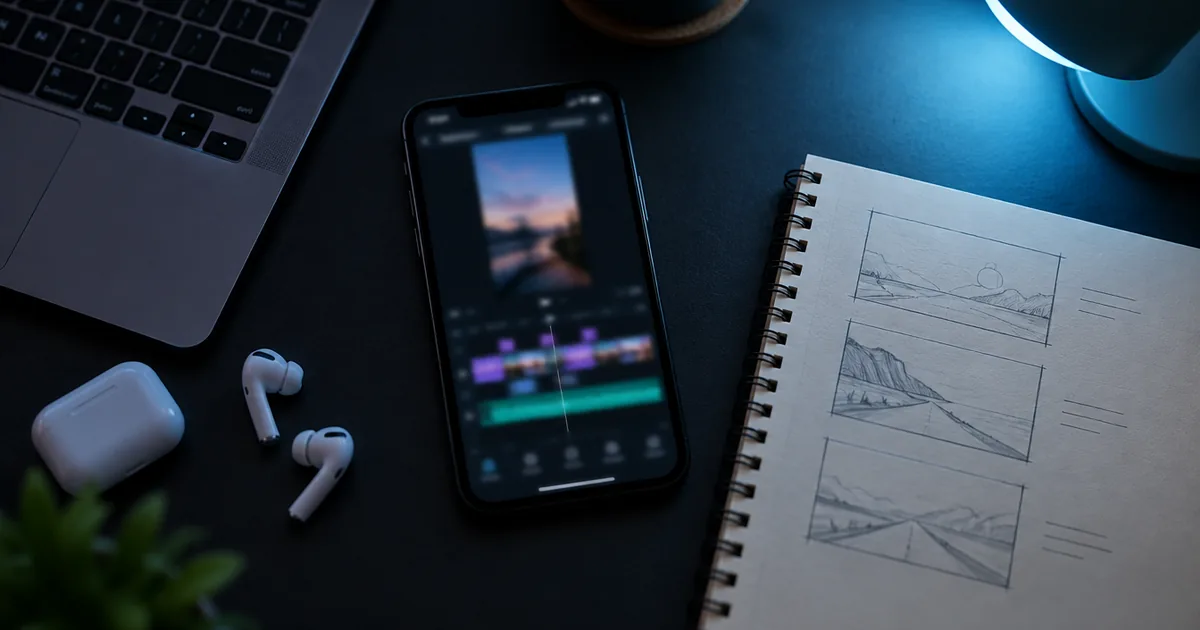
A free mobile editor with automatic captions covers a clipper's first month. Import the source clip, trim, run the captions, correct the names the recogniser gets wrong, export at full resolution. Remove the editor's default outro and any watermark before export: a foreign watermark is a denial reason on every campaign.
The desktop workflow for batches
Once you cut ten clips from one stream, a desktop editor pays for the learning curve. The free tier of a professional editor handles it. Set up one project per stream, drop markers at the moments as you scrub, cut each marker into its own clip, and send the whole set to the export queue with one preset. Keep the originals for 30 days in case a decision needs a second look.
Naming and storage
Name files by campaign, source and date: campaign_streamer_2026-09-15_03.mp4. When a clip is questioned, the name tells you which stream it came from and where in the batch it sat.
Tools that get clips denied
- Auto-clipping services that post the same edit to many accounts. Duplicate detection catches them, and a repost is a denial reason.
- Template packs with a watermark. Any watermark that is not the buyer's is a denial reason.
- Caption generators that invent a claim. A caption has to describe what happens in the clip. A caption that promises something the clip does not show is a denial reason, and an earnings claim in a caption is a ban.
- Downloaders used on footage outside the source pack. The pack decides what you may cut, whatever tool you cut it with.
FAQ
Does RUCKUS sell tools, presets or courses?
No. Nothing is sold to clippers: no fee for access, training, coaching or campaigns, and no commission on payouts.
Is a free mobile editor allowed?
Yes, as long as the export carries no watermark and no outro from the editor.
Do I need a paid editor?
No. A paid editor speeds up batches once you cut in volume. It does not change whether a clip is approved.